Amazon LD- HP S6500 Wireless Mini Speaker in 1299/- (mrp 2499)
Visit Here for offer Page
No Promo Code Needed
Free Shipping
From the Manufacturer


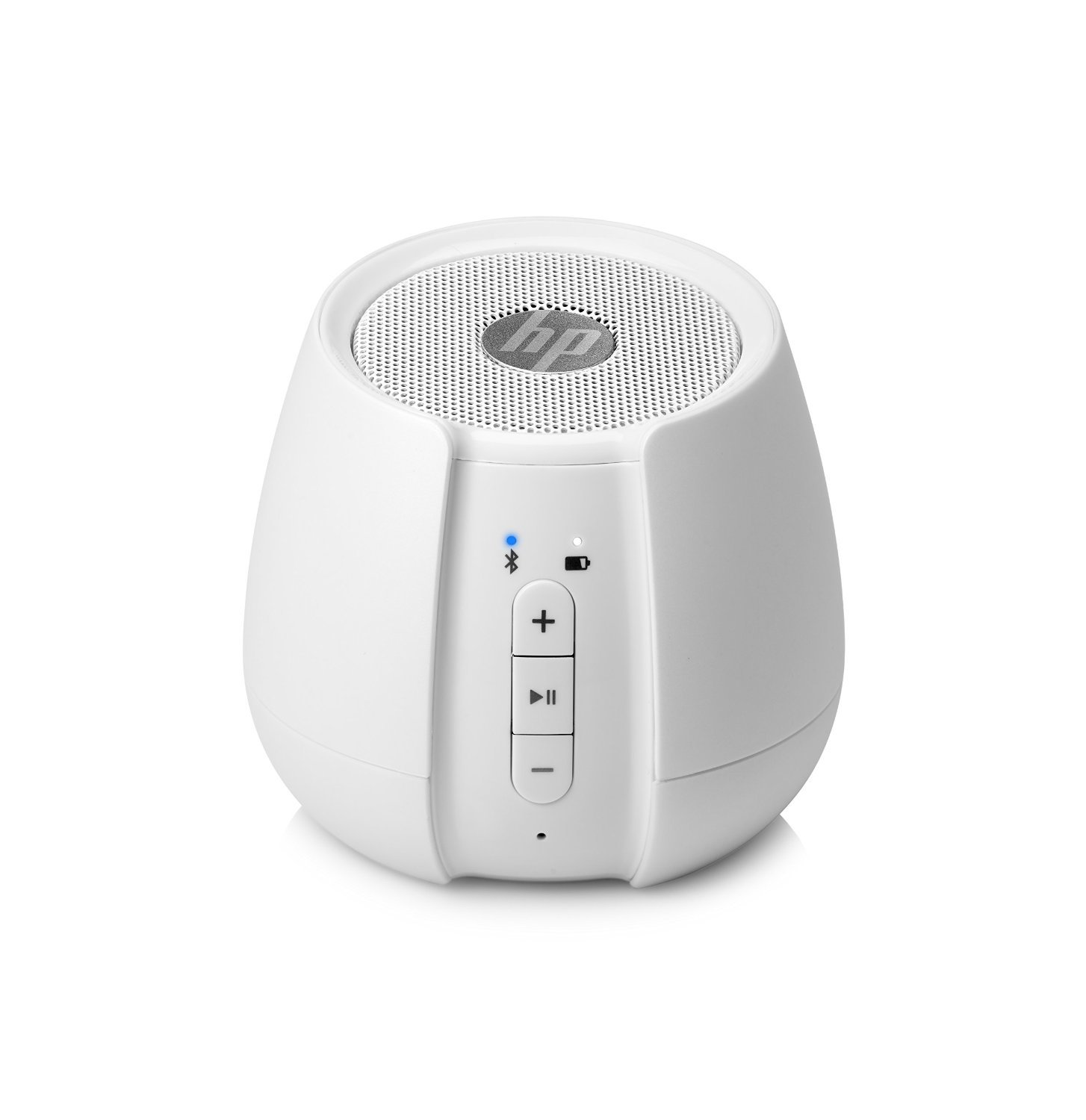
Indicator Lights on the Front of the Speaker
The front of the speaker has Bluetooth and battery indicator lights.
Bluetooth light:
- A blinking blue light indicates the speaker is in pairing mode
- A blue light indicates the speaker is connected to a Bluetooth device
- A red light indicates the speaker is connected to a device through an audio cable
Battery light:
- When the light is on, the batter is charging
- A blinking light indicates the battery is low
- When the light is off, the battery is charged
The microphone light indicates the speaker is operating.
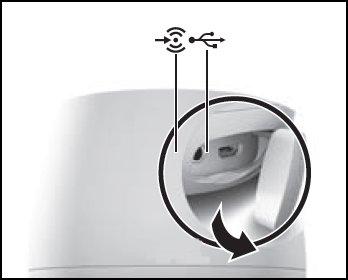

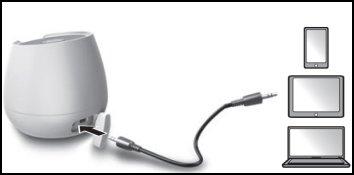
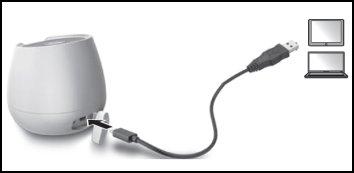
Connecting the Speaker Using a USB Cable
Use the following steps to connect the speaker to a device with a USB cable.
1. Twist the compartment cover downward to access the USB port.
2. Insert one end of the USB cable into the USB port on the speaker. Then, insert the other end of the cable into the USB port on the device.

